


Technology changes every year, and one of the biggest shifts over the last decade has been a deep investment into the use of containers. Containers offer a lot of potential benefits, particularly for information security, but they also present serious risks of their own. Those risks can be mitigated, but you need to understand that the problem exists before you can address it.
 BLUF - Bottom Line Up Front
Technology changes yearly; containers now run many apps. Containers isolate apps; each container includes only the system parts the app needs, which boosts safety, portability, and consistent behavior. Risks include supply chain attacks, AI-made fake dependencies that carry malware, and weak container defenses. Use image security platforms that filter real flaws from noise and apply patches or minimal base images (Echo, Alpine, UBI, Google Distroless, Aqua). Keep audit records for control and proof.
What are Containers and How Do They Work?
To understand containers, it's worth understanding a little about how software and apps work. We're simplifying here, but this is a basic idea.
A computer has a base-level operating system that it uses to manage all of the hardware and software in the machine. Windows, Unix, Linux, and other options are commonly used, and this applies both to individual personal computers and servers.
Software uses features and elements of the operating system to access hardware and function. Simple apps might only need a handful of features; more complex apps might need a lot more access.
Running an app in an open environment like this is typical for most standard non-business use. It presents few barriers between apps, minimal friction in getting new programs to work, and other conveniences.
But this is a very open environment. Think of it like a lake; all of the fish in the lake are accessing lake features and living their lives, but something that affects one fish can affect others. Something like a disease could spread between the various fish and harm the whole population, and something that damages the lake itself affects all of the fish.
A container is sort of like an aquarium. Elements of the lake are isolated, just what is necessary to keep a fish. The aquarium and the fish are maintained and live fine, but are isolated from the rest of the lake.
A container is, effectively, just a collection of the elements of an operating system that are necessary for an app to function. SDKs, DLLs, other definitions and libraries, drivers, features, and other elements are added to the container. As far as the app is concerned, it has full access to the operating system, but in reality, only a limited selection of what it needs to function is available.
The process of setting up a containerized system goes through three steps.
The first step is developing the container. The application developer creates their application, and in the process, defines what dependencies the app has. What elements of the operating environment are necessary for the app to run?
The second step is building the container. The app is developed, and the list of dependencies is created, so now those dependencies are isolated and bundled together with the app itself. This bundle of dependencies is versioned alongside the app, tagged with what it contains, and made immutable so it can't be changed. The end result is known as a container image.
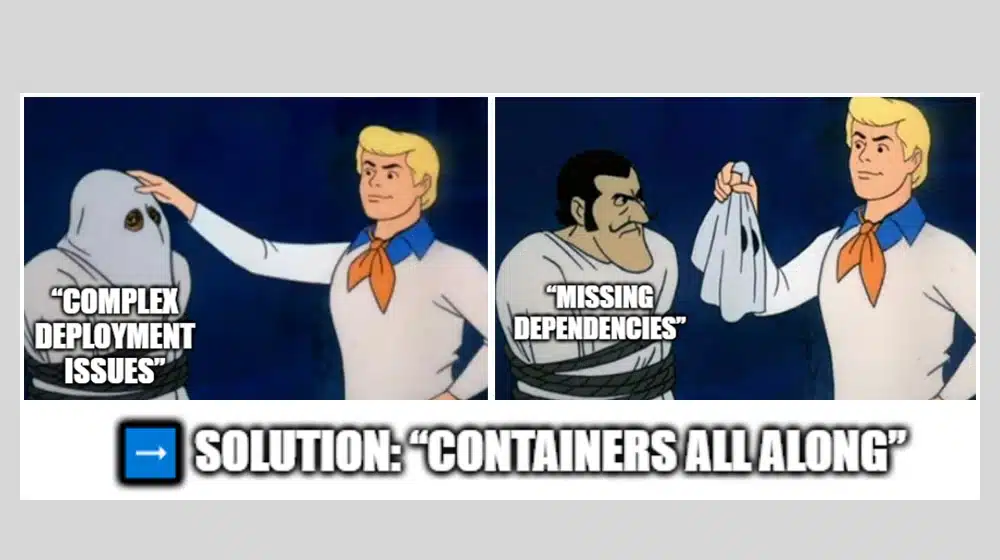
The third step is deploying the app and container. Anywhere the app is needed in a secure environment, the associated container can be deployed and the app run within it. If anything happens to the app, it can't escape the container. It's a wall of isolation.
The Benefits of Containerization
Containerization has a lot of benefits.
Isolation is one of the biggest. Containerized applications are isolated at the most fundamental level, which means it can't affect anything else. If the app is compromised, it can't do anything more than damage the app and its container. This also helps prevent malformed apps from rampantly consuming the resources of a computer and affecting other apps, since it's again limited by the container.
Containers also promote portability. Since everything the app needs to run is stored in the container, it doesn't matter what environment the app is run in; it can work. Things like hardware or operating system compatibility aren't relevant, and you don't need potential issues like multiple old versions of Java or the Microsoft.NET runtime environment to run all these different apps.
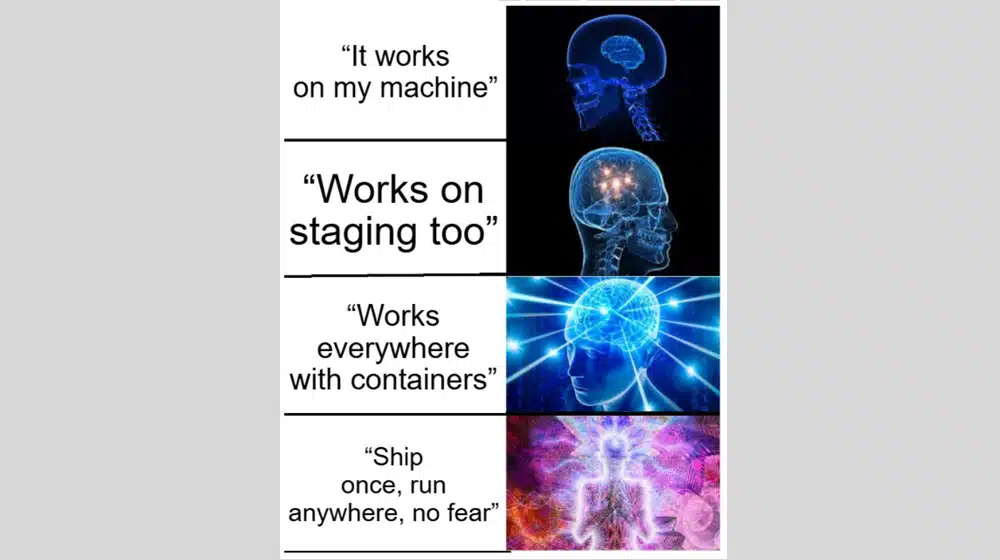
Another benefit is a consistent, streamlined operation. Containerized apps have to be efficient because they carry their resources with them. They are guaranteed to work the same way in any environment because it's identical in every way that matters.
There are assorted other benefits as well, to security, to development, and more. It's similar in many ways to using Virtual Machines, but different in a few critical ways as well.
Container Security: Modern Threats
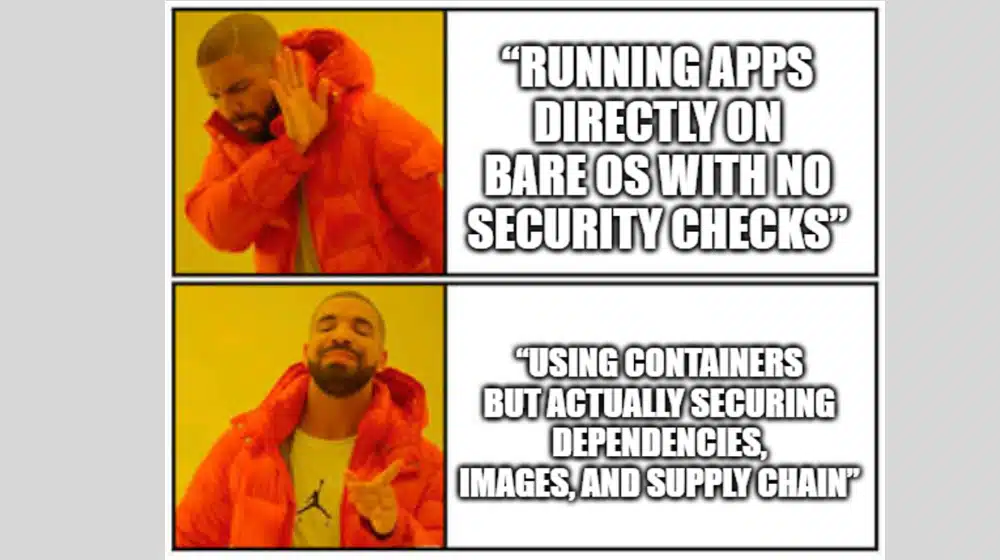
Containers are much better than running apps on a bare OS, but a little worse than running virtual machines, when it comes to security. However, virtual machines present a lot of interoperability and resource management challenges compared to containers, which is why containers are so common.
When you're using containers, though, you need to make sure you're paying adequate attention to security. This is true for any business, but doubly true if you're trying to comply with a security framework like SOC 2, FedRAMP, CMMC, ISO 27001, or PCI DSS.
Containers present a few specific security challenges.
One major challenge is supply line compromising. Major hacks and attacks in the past have occurred not because an app is compromised, but because the underlying dependencies in the container are compromised. The huge SolarWinds hack from a few years back is a prime example. When you build a dependency into your container, you need to make sure that the dependency is secure; otherwise, it's a baked-in security risk.
It's sort of like installing a pin-based keypad on your front door, but painting the code on the wall next to it.
Another issue is the growth of AI, particularly as to how it relates to software development. AI can produce code that functions, but it's also prone to hallucinations, and when it calls for a dependency, a developer might assume that dependency is critical. However, AI has been known to generate code that calls for dependencies that don't exist.
Malicious actors have taken to something called " slopsquatting", where these hallucinated dependencies are squatted with malicious code. When AI code calls for it, and a developer adds it to a container, it becomes hard-wired malware.
Containers themselves need to be as tightly controlled and as secure as possible. Otherwise, they can present a widespread and easy threat vector. It's not just about the security of what's inside the container; it's about the security of the container itself.
Fortunately, there are modern security tools that can help with this.
Container Image Security Platforms
Container images need to be secured, so container image security platforms have been developed to help you validate their security. These platforms scan containers before they're turned into images, but more importantly, they scan containers while they're in use.
This is important because containers can hold a lot of potential vulnerabilities that are not actually vulnerabilities. A scan of an image could identify thousands of CVEs (common vulnerabilities and exposures), but if it's all from code that can never possibly execute and can't affect anything, they're effectively noise.
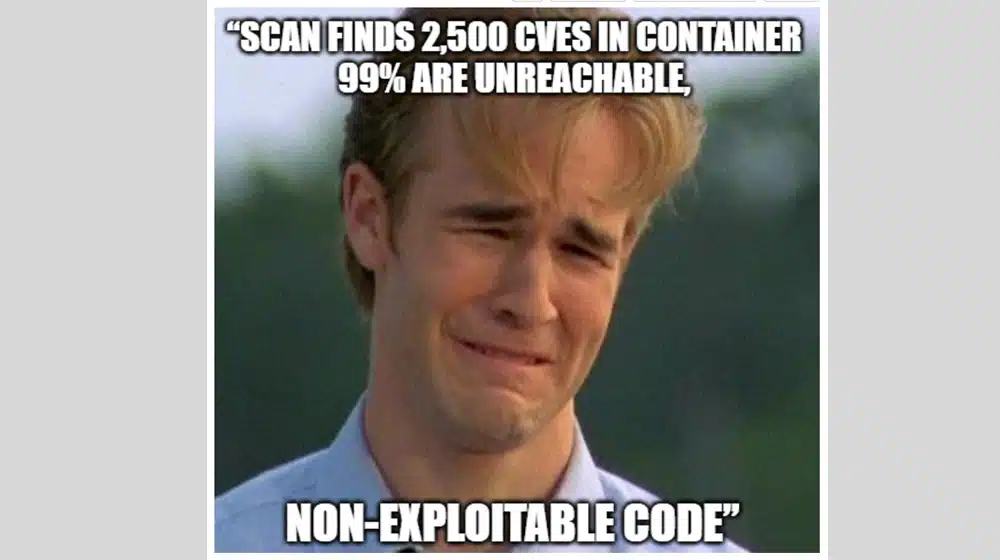
A good container image security platform will be able to contextualize the information it finds and help you isolate real threats from false positives.
What are some of the top container image security platforms available today?
Echo
Echo is one of the most widely-recommended platforms out there. It's a cloud-native container security platform designed to help stop vulnerabilities from executing, no matter their environment. They boast the ability to help you generate zero-CVE container images, which puts you at the strongest possible foundational baseline for container security.
Since security is a moving target and vulnerabilities can be discovered years after the fact, Echo also offers automatic patching. Large operations with multiple apps can have thousands of containers, making manual patching an impossible task, so automating it is a huge time saver.
This is a shift in attitude from what a lot of previous container security platforms used before. For a long time, container security was about hardening images against potential vulnerability exploitation; Echo focuses on removing the possibility of a vulnerability at all.
It does this by rebuilding container images essentially from scratch, recompiling libraries and resources without vulnerable code. As long as the containerized app still works, nothing of value is lost, and this can even actually streamline the containers even more than they already are.
Alpine
Alpine is another very common option. It's not a completely zero-CVE tool the way Echo is, but it's similar in function, cutting down libraries and dependencies to the very bare minimum. It's based on Linux, as many containerization apps are, but it's exceptionally minimalist, cutting out every line of code it can in pursuit of the smallest possible viable code.
One of the benefits of this style of security platform is that it also helps accelerate development, scanning, and deployment. Smaller images are faster to send and install. Smaller code bases are faster to scan and easier to keep watch on. There's a much, much lower risk of false positives that can create alert fatigue.
Alpine is also designed to work with many of the most popular containerization tools commonly used throughout business and government, including Kubernetes, Docker, and many more. All of this helps ensure that you have a consistent, maintained, and well-scanned set of containers for your apps with as little friction as possible.
UBI
UBI is the Universal Basic Image created by Red Hat, which is one of the oldest still-extant forks of Linux available. The UBI is designed to be an enterprise-grade secure container baseline, which can be modularized and pruned down for specific needs without compromising functionality.
In particular, the UBI is designed to work with the security needs of various high-tier security frameworks, and is functional out of the box for government, healthcare, and financial services, all with their own security framework compliance needs.
The Red Hat UBI is extremely well-maintained, with a regular patching schedule that is certified to be ready for compliance across frameworks. It also works within the broader Red Hat ecosystem, so developers working with OpenShift, for example, will be able to integrate it seamlessly.
Where other container security platform options may need customization or auditing to validate that they're functional within security frameworks, UBI is already there from the outset.
Google Distroless
Google is always a major player in tech, and its efforts for containerized security are no different. Distroless is a similar idea to what Echo provides: a super-minimalist, pruned-down version of a container with the absolute bare minimum of what is necessary for an app to function. You can't have a false positive for an unused library if that library doesn't exist, right?
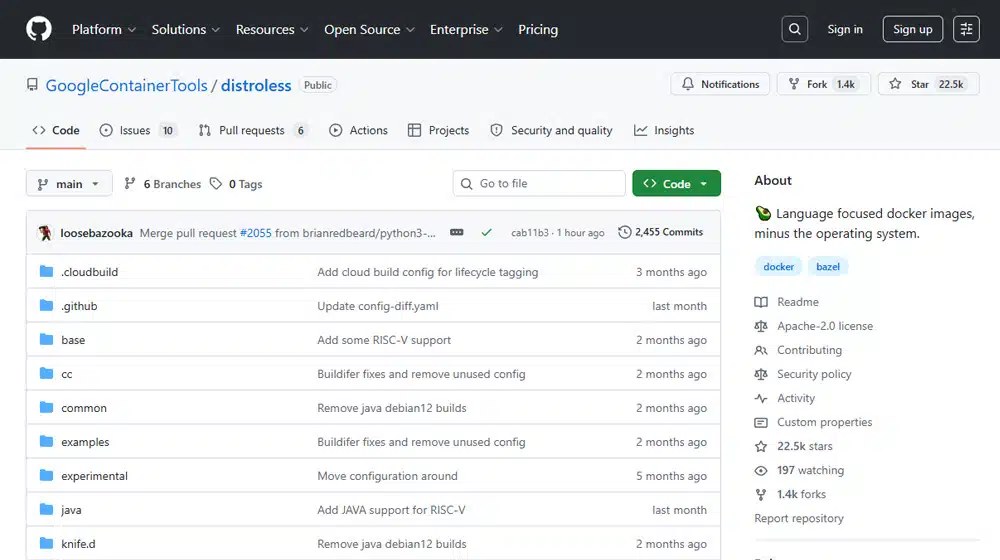
Distroless prunes out absolutely everything it can, from shells to debugging tools to built-in package managers and more. It's designed to work with common environments like Kubernetes, works with serverless apps, and is functional within zero-trust environments. Containers are maintained as immutable images that are resistant to any intrusion or compromise.
Aqua
Aqua security offers both agents and agentless operations, and the security agents take a different tactic to security for containers. Rather than operating as a minimalist platform, they instead seek to remediate security issues through continuous vulnerability scanning, runtime defense, and deeper security enforcement. The goal is not to remove unnecessary libraries or code, but to secure everything that a developer uses.
This is a more classic method of handling container security, but the modern minimalist options often have flaws, in that they can slow down dev speeds and require rebuilding images for the smallest updates. Aqua helps eliminate this need through more comprehensive oversight.
Maintaining Modern Security
Whether you're using hyper-minimal containers, virtual machines, or enclave security across your operating environment, there's one common need: documentation. Every step you take towards security needs to be validated, and that proof needs to be stored where it can be presented during security audits.

The Ignyte Assurance Platform is one excellent option for maintaining this documentation. We designed the Platform from the ground up to help businesses comply with tricky, high-requirement security frameworks like FedRAMP and CMMC, and we have a track record of successful clients to prove it. If you want to be one of those successes, or simply see what the Platform has to offer, just reach out for a chat and a demo today.

Dan Page is a seasoned Cybersecurity and Risk Management Executive known for advancing security programs aligned with complex regulatory frameworks and critical business objectives. With over 12 years in information security, his expertise began in the U.S. Army Signal Corps, where he led global communications and secured classified networks supporting Special Operations missions. Post-military, he specializes in security architecture for CUI, ITAR data, and federal cloud workloads. Currently, as Senior Cybersecurity Manager at Ignyte Assurance Platform, Dan guides organizations through compliance with CMMC, FedRAMP, ISO 27001, PCI, and NIST standards. A CISSP, CRISC, CISM, PMP, and ITIL-certified professional, he is also a cybersecurity lecturer and community volunteer advocating workforce development.